

Transform SOPs, presentations, procedures, and course content into narrated training videos and visual learning experiences—without a traditional production process.

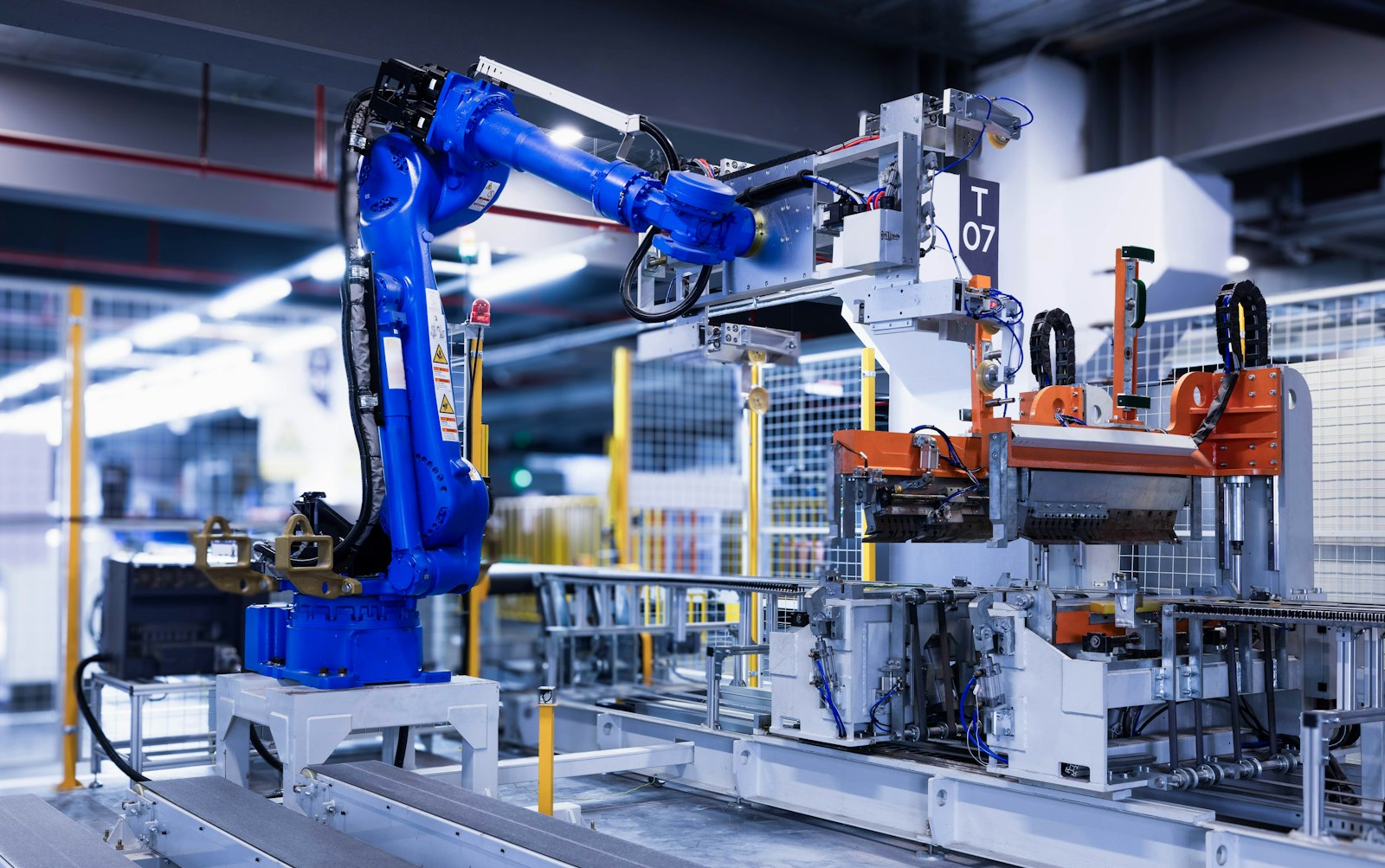

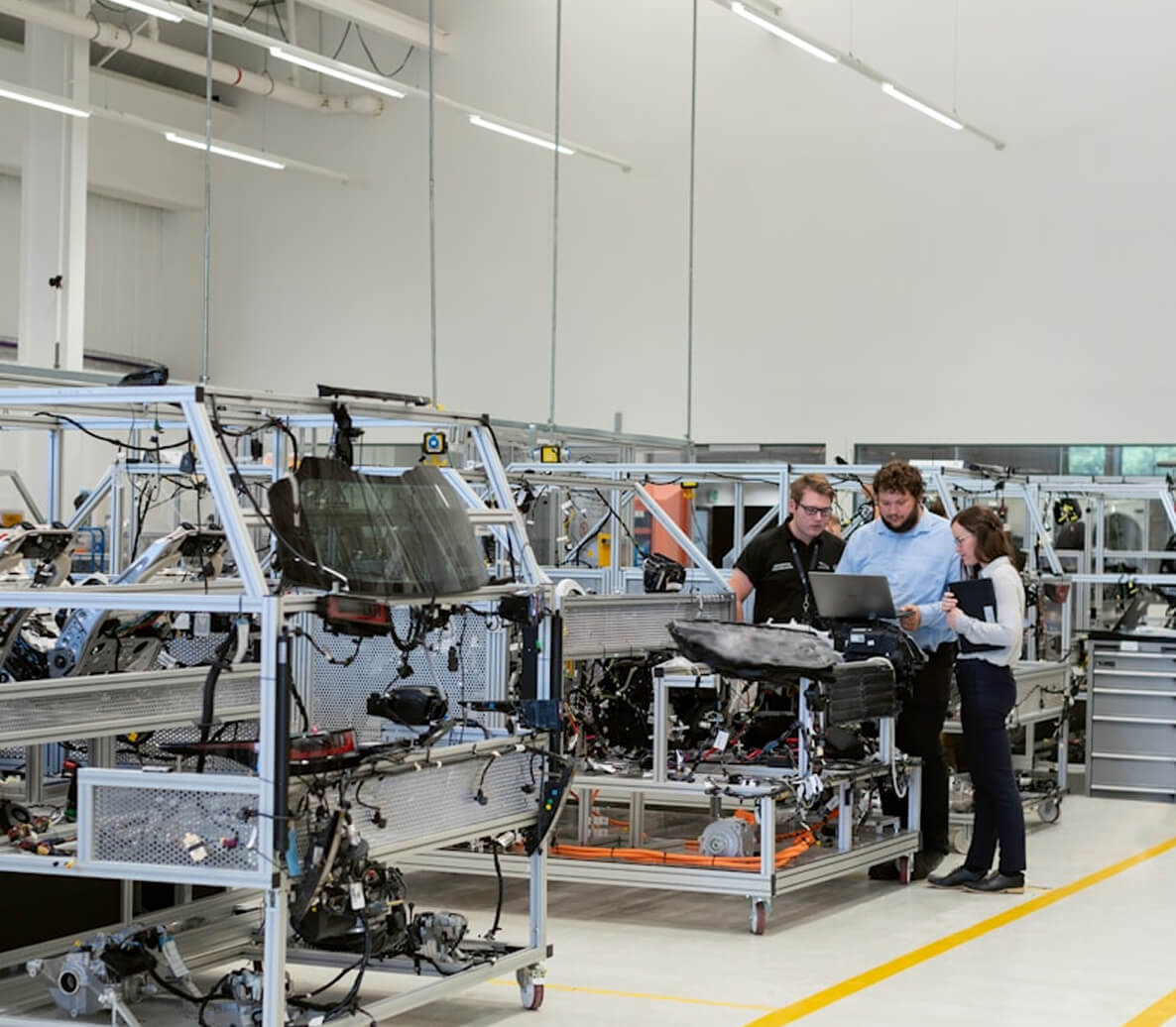
Powerful AI capabilities to turn existing content into engaging training media.
Convert documents and existing content into structured training videos without a traditional production process.
Create clear instructional scripts and scene structures aligned to the original source content.
Add natural-sounding narration or recorded voice to support clear, accessible learning.
Combine images, diagrams, video, and supporting graphics to make complex procedures easier to understand.
Add captions and adapt training media for different workforce audiences and languages.
Add generated media directly to LearnUp courses and learning experiences.
An intelligent workflow that makes creating training media as straightforward as working with existing content.
Upload documents, presentations, procedures, or existing course material.
LearnUp creates a structured script, scene flow, and visual direction from the source material.
Refine the message, adjust scenes, select media, and configure narration and captions.
Add the finished media to a course and reuse it across learning experiences.
Works with documents, presentations, procedures, and existing training material.
Generate scripts, scenes, narration, and visual direction.
Review, edit, and align each media element to your organization.
Add media to courses and reuse it across training programs.
Maximize the value of existing content with AI-powered media creation and reuse.
SOPs, guides, presentations, policies, procedures, and existing course material.
Structured training video with narration, visuals, captions, and supporting media.
A concise visual summary for awareness, reinforcement, or quick learning moments.
A media-rich lesson that can include video, narration, knowledge checks, and activities.
A short audio or visual reminder designed for reinforcement and on-the-job reference.
Move from existing source material to usable training media without coordinating a traditional production process.
Use narration, visuals, captions, and sequencing to clarify technical procedures and operational knowledge.
Create and manage media within the same learning environment as courses and delivery.
See how LearnUp AI helps your team create engaging, reusable training media from the content you already have.

